
Table of Contents
Today, organizations often operate across multiple locations, each potentially equipped with numerous TV screens. These screens serve a variety of functions, from displaying internal communications and performance dashboards to showcasing promotional content and welcoming visitors.
Then comes the challenge. How do you manage and update content across these geographically dispersed displays? All that while ensuring consistency, relevance, and impact without dedicating extensive IT resources.
Well, Kitcast digital signage software is the solution. This comprehensive guide will explore the easiest ways to control multiple TV screens in different office locations, highlighting how powerful CMS like Kitcast revolutionizes this process.
Decentralized Display Management Challenges
Let’s say you run a company with offices in New York, London, and Tokyo. Each office has a reception area screen, a breakroom display, and several screens in meeting rooms. Without a centralized system, updating content on these screens becomes a logistical nightmare:
- Manual updates: Sending someone to each screen with a USB drive is time-consuming, inefficient, and prone to errors.
- Inconsistent messaging: Different offices might display outdated or conflicting information, leading to brand dissonance.
- Lack of real-time agility: Urgent announcements or timely promotions cannot be deployed instantly across all locations.
- Security risks: Unsecured USB drives or outdated software on individual screens can pose security vulnerabilities.
- High operational costs: The labor and resources required for manual management can quickly escalate.
These challenges underscore the critical need for a streamlined, centralized, and intelligent approach to multi-screen control.
Why Digital Signage Is The Foundation of Centralized Control?

The answer to these challenges lies in digital signage software. Digital signage transforms ordinary screens into powerful communication tools, managed from a single, cloud-based platform. At its core, digital signage allows you to:
- Create and Design Content: Develop visually appealing content using intuitive design tools or by importing existing media.
- Schedule Playlists: Arrange content into playlists that run at specific times or on recurring schedules.
- Target Specific Screens: Send different content to different screens or groups of screens based on their location, purpose, or audience.
- Monitor Performance: Track screen status, playback logs, and ensure content is being displayed as intended.
- Update Remotely: Change content, schedules, or settings from anywhere with an internet connection.
This fundamental shift from manual, localized management to automated, centralized control is the first step towards effortless multi-screen operation.
Key Features for Easy Multi-Location Screen Management
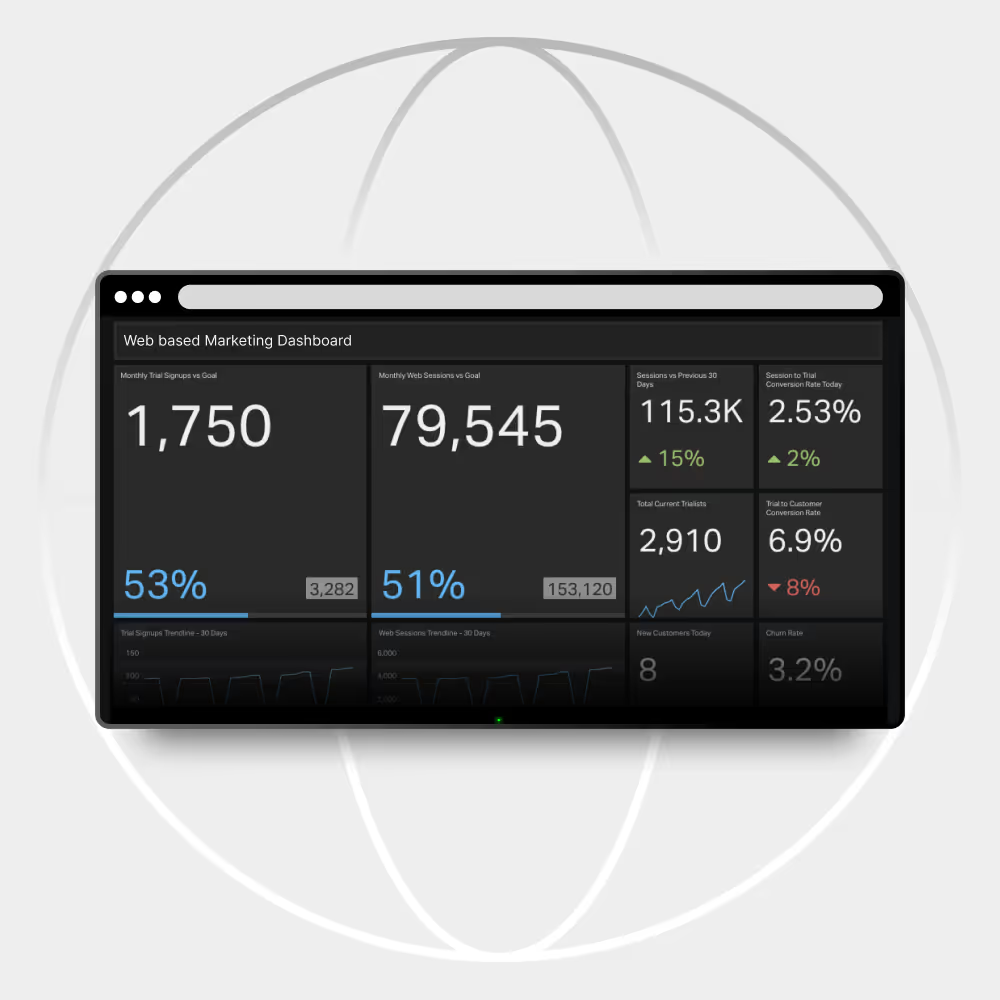
When evaluating digital signage solutions for controlling screens across different office locations, several key features are important to consider:
1. Cloud-Based Platform
A cloud-based infrastructure is non-negotiable. It eliminates the need for on-premises servers and allows you to access and manage your digital signage network from any web browser, anywhere in the world. This is the cornerstone of remote management.
2. Intuitive Content Management System (CMS)
The CMS should be user-friendly and require minimal technical expertise. Look for drag and drop interfaces, pre-built templates, and easy media uploading. The easier it is to create and publish content, the more efficient your operations will be.
3. Advanced Scheduling Capabilities
Granular control over content playback is crucial. You should be able to:
- Schedule by Date and Time: Run specific campaigns for holidays, events, or time-sensitive announcements.
- Recurring Schedules: Set daily, weekly, or monthly schedules for standard content.
- Playlist Management: Create multiple playlists and assign them to different screens or groups.
- Content Expiry: Automatically remove outdated content after a specified period.
4. Screen Grouping and Tagging
For organizations with many screens, the ability to group screens logically is essential. You might group screens by:
- Location: “New York Office Lobby,” “London Breakroom.”
- Department: “Sales Team Displays,” “Marketing Department Screens.”
- Purpose: “Visitor Welcome Screens,” “Internal Communication Hubs.”
Tagging allows for even more flexible content distribution, enabling you to target content to all screens tagged “HR Announcements,” regardless of their physical location.
5. Remote Device Monitoring and Control
A robust solution provides real-time visibility into the status of each screen. This includes:
- Online/Offline Status: Instantly see if a screen is connected and playing content.
- Playback Logs: Verify what content has been played and when.
- Remote Reboot/Troubleshooting: In some cases, you can remotely restart a device to resolve minor issues without needing physical intervention.
- Screen Orientation: Remotely adjust portrait or landscape modes.
6. User Permissions and Roles
For larger teams, assigning different levels of access is vital. Marketing might create promotional content, HR might manage internal communications, and IT might oversee network health. Role-based access ensures that users only have permissions relevant to their responsibilities.
7. Integration Capabilities
Consider if the digital signage solution integrates with other business tools, such as:
- Calendar Systems: Display meeting room schedules.
- Data Dashboards: Pull real-time analytics or performance metrics.
- Social Media Feeds: Showcase live social content.
- Emergency Alert Systems: Push critical information instantly.
Check Out: Workplace Digital Signage Trends Of 2025
How Kitcast Simplifies Multi-Office Screen Control

Kitcast is a prime example of a digital signage platform designed to meet the demands of modern businesses with distributed operations. It brings together all the essential features mentioned above, streamlined for ease of use and maximum impact.
1. Seamless Cloud Management
Kitcast’s entire platform is cloud-based. This means you can manage all your screens, whether they are in your main office, a remote branch, or across international time zones, from a single web dashboard. No software installation, no complex network configurations, just instant access from any internet-connected device.
2. Effortless Content Creation and Scheduling
With Kitcast, creating compelling content is straightforward. You can:
- Upload Diverse Media: Easily upload images, videos, PDFs, and web pages.
- Utilize Apps and Widgets: Integrate dynamic content like weather forecasts, news feeds, social media, and Google Slides presentations.
- Build Engaging Playlists: Drag and drop content into playlists and set precise schedules for when and where they should play. Need a different playlist for each office or department? Kitcast handles it with ease.
- Instant Updates: Push new content or schedule changes to all selected screens in real time. An urgent announcement can be live across all your global offices in seconds.
3. Intelligent Screen Grouping for Targeted Messaging
Kitcast empowers businesses to organize their screens logically. You can create custom groups for “London Breakroom,” “New York Lobby,” “Tokyo Meeting Rooms,” or any other segmentation that fits your organizational structure. This allows you to:
- Deliver Hyper Local Content: Display office-specific announcements, local weather, or region-relevant news.
- Maintain Global Consistency: Simultaneously push company-wide messages or brand videos to all screens, regardless of location.
- Streamline Content Distribution: Apply content schedules to entire groups, rather than individual screens, saving significant time.
4. Robust Device Monitoring and Diagnostics
From your Kitcast dashboard, you gain a clear overview of your entire screen network. You can:
- Monitor Screen Status: See which screens are online, playing content, or experiencing issues.
- View Playback History: Confirm that specific content has been displayed as intended.
- Remotely Troubleshoot: Identify potential problems quickly and, in many cases, resolve them remotely, minimizing downtime and the need for on-site technical support.
- Adjust Settings Remotely: Control screen orientation, volume, and other device-specific settings from your centralized dashboard.
5. Secure and Reliable Performance
Kitcast is built with security and reliability in mind. All data transmission is encrypted, and the cloud infrastructure ensures high availability and uptime. This means your critical communications are always displayed safely and consistently.
6. Scalability for Growth
Whether you have five screens or five hundred, Kitcast scales with your business. Adding new screens to your network is a simple process, allowing you to expand your digital signage footprint as your organization grows without encountering performance bottlenecks.
Implementing Your Multi-Office Digital Signage Strategy

Adopting a solution like Kitcast involves these steps:
- Define Your Objectives: What do you want your screens to achieve in each location? (e.g., improve internal communication, enhance visitor experience, drive sales).
- Choose Your Hardware: Kitcast works seamlessly with major digital media players (Apple TV, Android TV, Amazon Fire TV Stick, etc.) Simply connect a device to each screen and you’re ready to go.
- Install the Kitcast App: Download the Kitcast app.
- Connect to Your Account: Link your devices to your Kitcast cloud account.
- Start Creating and Scheduling: Use the intuitive dashboard to design your content, build playlists, and assign them to specific screens or groups.
- Monitor and Optimize: Regularly review screen performance and content effectiveness to continuously improve your strategy.
Check Out: Workplace Digital Signage Trends Of 2025
The ROI of Centralized Screen Management
Investing in a solution like Kitcast yields significant returns:
- Increased Efficiency: Eliminates manual updates and reduces administrative burden.
- Enhanced Communication: Ensures consistent, up-to-date messaging across all locations.
- Improved Employee Engagement: Keeps staff informed and connected.
- Better Visitor Experience: Provides professional and engaging welcome messages.
- Cost Savings: Reduces travel, IT support, and printing costs.
- Greater Agility: Respond to market changes or internal needs with real-time content deployment.
- Stronger Brand Identity: Maintains a unified brand presence across all offices.
Take the first step toward effortless multi-location management today.
Sign up for the completely free trial of Kitcast!

Frequently Asked Questions
Q1: What is the single easiest way to control multiple TV screens across different office locations?
The easiest and most efficient way is to use a cloud-based digital signage platform like Kitcast. This allows you to manage all content, schedules, and screens from a single, centralized web dashboard, eliminating the need for manual updates or local IT intervention at each office.
Q2: Is digital signage difficult to set up across multiple global offices?
No. Modern cloud-based solutions like Kitcast simplify the process significantly. Setup typically involves connecting a compatible digital media player (like an Apple TV, Android TV or Amazon Fire TV Stick or other supported player) to each TV screen, downloading the Kitcast app, and linking it to your central cloud account via a simple code.
Q3: Can I display different content in my New York office lobby than in my London breakroom?
Absolutely. A key feature of Kitcast is Screen Grouping and Targeted Scheduling. You can create logical groups for screens based on location or purpose, allowing you to push local announcements, different key performance indicators (KPIs), or region-specific marketing content to specific groups while maintaining a unified brand with global company messages.
Q4: What kind of content can I push to my screens remotely?
A professional digital signage solution supports a wide range of media and dynamic content, including images, videos, live dashboards, web pages, integrated apps for weather and news, and presentations from tools like Google Slides. You can instantly upload and deploy urgent content updates across all screens in real time.
Q5: What happens if a screen goes offline in a remote office?
Robust digital signage platforms include Remote Device Monitoring and Diagnostics. From your central Kitcast dashboard, you see the real-time status of every media player. Content is often stored locally on the player, allowing the screen to continue playing the last saved playlist even if the internet connection is temporarily lost, and you can remotely troubleshoot the device.
Q6: Do I need the same TV or media player hardware in every office?
No. While standardization is often recommended for simplified maintenance, the Kitcast platform is built to be flexible. It supports multiple reliable digital media players, allowing you to choose the best-fit player for each local office’s existing infrastructure or budget.
Q7: How does this type of system reduce costs for a multi-location business?
Centralized digital signage reduces costs by eliminating the need for staff travel for content updates, saving administrative time compared to manual updates, cutting printing expenses for static signs, and improving overall communication efficiency across the organization.


